AI-powered creative tools have changed how people produce visual content. What once required advanced editing skills, expensive software, and hours of manual work can now be accomplished through a browser with a few prompts or uploads. From animating still photographs to replacing faces and synchronizing speech, AI video tools are becoming increasingly useful for creators, marketers, educators, and social media professionals.
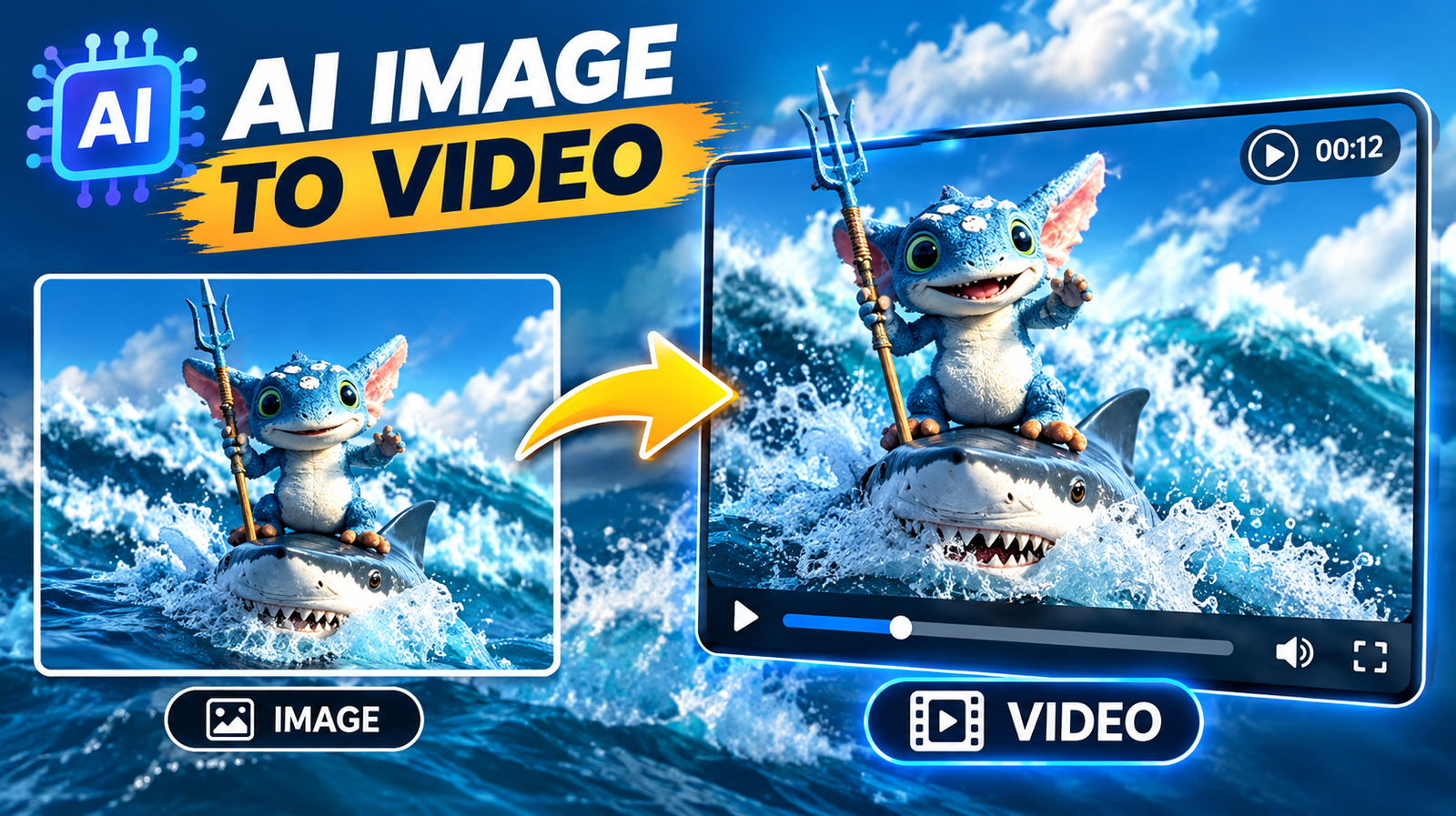
Among the most useful applications are image-to-video generation and AI-powered face swapping. The former can turn a static image into an animated clip, while the latter can replace a subject’s face while preserving much of the original video’s movement and composition. However, different platforms emphasize different parts of the workflow.
Below is a look at some of the leading AI tools to consider in 2026, including their key features, pricing, and limitations.
At a Glance
| Tool | Best For | Pricing | Main Strength |
| Magic Hour | Image-to-video, face swap, lip sync | Free; Creator: $19/month or $12/month billed annually; Pro: $39/month or $25/month billed annually | Broad AI creation toolkit |
| Runway | Professional AI video creation | Free tier; paid plans available | Advanced video generation and editing |
| Pika | Creative image-to-video effects | Free; paid plans from $10/month | Effects and quick transformations |
| Kling AI | Cinematic AI video generation | Free/paid options | Detailed motion and visual realism |
| HeyGen | AI avatars and talking videos | Free and paid plans | Presenters, avatars, and lip sync |
1. Magic Hour: A Versatile Choice for AI Image to Video and Video Face Swap AI
If you want one platform that combines several AI-powered creative workflows, Magic Hour is particularly useful. Its tools cover image-to-video generation, video face swap AI, lip sync, talking photos, AI image to video, editing, upscaling, and other content-creation tasks. Its image-to-video workflow can animate existing images, while its face-swap tools can replace faces in photos or videos.
One of Magic Hour’s major differentiators is the breadth of its toolkit. Instead of switching between separate services for individual tasks, creators can access multiple AI models and workflows from one platform. It also provides templates and multi-step creation workflows that can simplify processes such as generating content and then enhancing it.
For creators experimenting with AI, the ability to try certain tools without signing up is another advantage. Magic Hour’s free tools include options such as talking photos and face swapping, although limits vary by tool.
The platform also supports talking photos and lip sync. A still portrait can be animated with supplied audio, while existing video can be processed to synchronize mouth movement with a new audio track.
Pricing
Magic Hour currently offers the following plans:
- Free
- Creator: $19/month or $12/month billed annually
- Pro: $39/month or $25/month billed annually
The Creator plan includes higher-resolution exports, access to all tools, commercial use, watermark-free exports, priority processing, and full API access. The Pro plan increases the available credits and resolution while allowing more simultaneous generations.
Other notable advantages include non-expiring credits, access to multiple AI models, click-to-create templates, fast variations, parallel generations, and workflows that can combine several creative steps. The platform is also designed for desktop and mobile use, with API availability across its tools.
Drawbacks: Results still depend heavily on the quality of the source image, video, audio, and prompt. Face swaps work best when the replacement face is clear and unobstructed, while talking-photo and lip-sync results can vary depending on facial visibility and audio quality.
2. Runway: Professional AI Video Creation
Runway is one of the better-known platforms for creators who want more extensive AI video-generation and editing capabilities. It provides access to multiple image and video models, allowing users to experiment with different approaches within one creative environment.
Its strengths include text-to-video and image-based generation, video editing, AI-powered transformations, and increasingly sophisticated creative workflows. Higher-tier plans also provide access to additional models and larger credit allocations.
Runway’s current Free plan provides a one-time allocation of 125 credits, while paid subscriptions provide monthly credits. The Pro plan, for example, includes 2,250 credits per month, while the Max plan provides 9,500 credits.
Drawbacks: The credit-based system can make high-volume experimentation expensive. Free outputs also carry a watermark, and unused monthly credits on several plans expire at the end of the billing cycle.
3. Pika: Creative AI Video Effects
Pika focuses heavily on accessible and creative AI video effects. It offers image-to-video generation alongside tools such as Pikaswaps, Pikadditions, Pikascenes, Pikaframes, and other effects designed for social and experimental content.
Its current pricing includes a free Basic plan, followed by paid tiers. The Standard plan is listed at $10 per month, while Pro is $35 per month and Fancy is $95 per month on monthly billing. Paid plans provide larger credit allocations and access to additional resolutions and creative features.
Pika is particularly interesting for creators who want to transform ordinary images into short, attention-grabbing clips without building complicated timelines.
Drawbacks: Some advanced generations consume substantial credits, and the most useful resolutions and features are restricted to paid plans.
4. Kling AI: Detailed AI Video Generation
Kling AI has become another notable name in generative video, particularly for creators interested in detailed motion and cinematic-looking results. It can be useful for transforming prompts and images into short AI-generated sequences.
The platform is worth considering when visual movement, scene consistency, and cinematic presentation are more important than having a broad collection of traditional editing tools.
Drawbacks: Generation availability, credit consumption, processing times, and access to specific models can vary. Users should check the current plan information before committing to a subscription.
5. HeyGen: AI Avatars and Talking Videos
HeyGen takes a somewhat different approach by focusing strongly on AI presenters, avatars, voice generation, and talking-head videos. It is particularly relevant to businesses, educators, marketers, and creators who want to produce presenter-style content without recording every video manually.
Its avatar and lip-sync capabilities can be useful for explainers, training materials, product presentations, and localized video content.
Drawbacks: HeyGen is more specialized around avatar and presenter workflows, so creators primarily interested in cinematic image-to-video generation may need another tool alongside it. Its paid features and usage allowances also vary by plan.
How We Choose These Tools
The tools on this list were considered based on several practical factors rather than a single feature.
First, we looked at image-to-video capabilities, because turning still images into moving content is one of the most common AI video workflows. We also considered face swapping and lip sync, particularly for creators producing character-based, social, marketing, or storytelling content.
Other factors included:
- Overall feature range
- Ease of use
- Quality and flexibility of AI generation
- Availability of free options
- Pricing and credit systems
- Export quality
- Speed and workflow efficiency
- Commercial-use options
- Availability of advanced AI models
- Suitability for beginners and experienced creators
Because AI platforms change quickly, pricing, available models, generation limits, and individual features can change over time. Users should verify the current plan details before purchasing.
FAQs
What is AI image-to-video technology?
AI image-to-video technology uses artificial intelligence to turn a static image into an animated video. Depending on the platform, users can describe camera movement, character motion, environmental changes, or other effects.
What is video face swap AI?
Video face swap AI replaces a person’s face in a video with another face while attempting to preserve the video’s original movement and expression. Results generally improve when the source footage has clear lighting and an unobstructed face.
Can AI tools create talking photos?
Yes. Several modern platforms can animate a still portrait so that it speaks or sings using supplied audio. Magic Hour, for example, provides a dedicated Talking Photo workflow.
Is AI face swapping suitable for professional content?
It can be, but creators should review the output carefully. Facial edges, eyes, mouth movement, lighting, and identity consistency can sometimes produce visible artifacts. Users should also have the appropriate rights and permissions for the images, videos, voices, and faces they use.
Which tool is best for beginners?
The right choice depends on the type of content being produced. Users who want many different AI creation tools in one place may prefer an all-in-one platform, while someone focused specifically on cinematic generation, creative effects, or talking avatars may choose a more specialized service.
Conclusion
AI video creation is becoming more accessible, with platforms now covering everything from image animation and cinematic generation to face replacement, lip synchronization, and talking avatars. The best choice depends on the creator’s workflow, budget, desired output, and willingness to work with credit-based generation.
Magic Hour stands out for combining a particularly broad set of AI image, video, audio, face, and editing workflows in one platform. Runway is geared toward creators looking for a deeper generative-video environment, while Pika emphasizes creative effects and transformations. Kling AI is worth exploring for cinematic generation, and HeyGen is particularly suited to avatar and presenter-based content.
As AI models continue to improve, these tools give digital creators more ways to turn simple ideas, images, and footage into polished visual content with considerably less manual production work.