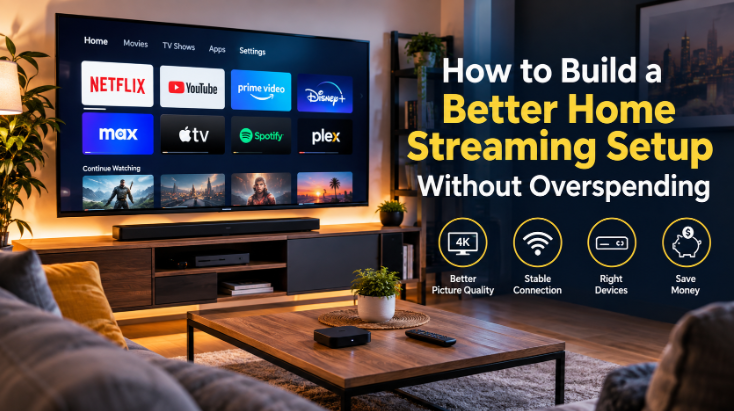
Most households in the UK now have at least one streaming device – often several. A Smart TV in the living room, a Fire TV Stick tucked behind a bedroom screen, maybe a spare Android box gathering dust in a drawer. The hardware is rarely the problem. What lets people down is everything that sits on top of it: the software, the configuration, the subscriptions they chose without fully understanding what they were signing up for.
There is a persistent assumption that better streaming means spending more. A newer television, a faster broadband package, a premium subscription. Sometimes those things genuinely help. More often, the same hardware – properly set up, running the right software, connected sensibly to your network – delivers a noticeably better experience without a single additional purchase.
This guide is for anyone who suspects they are not getting the most from what they already own, or who wants to spend a little more wisely before they commit to anything new.
Start With the Device You Already Own
Smart TVs, Fire TV sticks, Android TV boxes, Google TV devices – the market has fragmented considerably over the past decade, and most living rooms reflect that. Before you consider replacing anything, it is worth understanding what you actually have and where its limitations lie.
Smart TVs from major manufacturers – Samsung, LG, Sony, Hisense – ship with their own operating systems: Tizen, webOS, Android TV, or Google TV depending on the brand and year. These platforms vary significantly in how well they are maintained. A Samsung from 2019 may still receive app updates; one from 2017 almost certainly does not. If your TV’s built-in app store no longer carries the apps you want, or if the ones it does carry run slowly, that is a sign the platform has aged out – not the television itself.
The screen, the panel, the speakers: those components typically outlast the software by years. A 2018 television with a good 4K HDR panel is still a good display. The question is whether you are running your streaming through its outdated built-in system or through a separate device plugged into its HDMI port. If it is the former, that is the first thing worth changing.
Fire TV devices (Amazon), Chromecast with Google TV, Roku sticks, and Android TV boxes all plug into your TV’s HDMI port and effectively replace the built-in interface. They receive regular software updates, support a wider range of apps, and generally perform better than the native software on televisions more than three or four years old. Replacing a TV’s software layer costs between £30 and £80. Replacing the television costs considerably more.
Where Streaming Devices Actually Make a Difference
A £40 streaming stick can genuinely outperform the built-in software on an £800 Smart TV. That sounds counterintuitive, but it reflects how television manufacturers approach their platforms. The smart software on most televisions is a secondary feature – useful enough to justify the marketing, but not the product’s primary focus. Dedicated streaming device manufacturers, by contrast, live or die by the quality of their software. The incentive structure is entirely different.
Performance is the most immediately noticeable difference. Dedicated streaming devices tend to have processors and RAM sized specifically for the task. Smart TV operating systems often run on underpowered chips that were adequate at launch and become sluggish as apps grow more demanding over time. Opening Netflix on a three-year-old Smart TV and on a current Fire TV Stick 4K Max is not always a fair comparison – but the stick frequently wins.
App availability matters too. The Amazon Appstore, Google Play (via Android TV and Google TV devices), and the Roku Channel Store all carry apps that many Smart TV platforms do not. If there is a specific app you want – a particular media player, a streaming service, an IPTV client – the chances of finding it on a dedicated device are considerably higher than on a manufacturer’s proprietary platform.
Storage is a practical consideration that is easy to overlook. Smart TVs typically allocate very little internal storage to apps. Dedicated streaming devices are not always generous either, but many support external storage via USB, and some – particularly Android TV boxes – come with enough onboard storage to install a meaningful library of applications without constantly managing space.
Flexibility is the final argument. A streaming stick or box can move between televisions, travel with you, and be replaced independently when it ages out. A Smart TV’s built-in platform cannot.
The Software Matters as Much as the Hardware
Hardware gets most of the attention in buying guides and comparison articles. Software rarely does, which is a shame, because the application layer is where most people’s streaming experience is actually shaped day to day.
For standard subscription services – Netflix, Disney+, Apple TV+, BBC iPlayer – the official apps are the obvious choice, and they work well on any reasonably current device. The more interesting territory is media management and IPTV playback, where the choice of application makes a substantial difference.
Media players like Kodi, Plex, and Jellyfin are worth knowing about if you have a library of locally stored films or television series. Kodi in particular has a long history on Android TV and Fire TV devices, and its plugin architecture means it can be extended considerably – though that flexibility also means it requires more configuration than a plug-and-play app.
For IPTV specifically, dedicated playback clients have become the standard approach for anyone using an IPTV subscription. TiviMate is widely regarded as one of the most polished options on Android TV and Fire TV – it supports M3U playlists, electronic programme guides (EPG), catch-up where available, and multi-screen layouts. IPTV Smarters Pro is another capable option, with a slightly different interface and broader device compatibility. GSE Smart IPTV covers iOS and Android and is a reasonable choice if you are working across mixed device types.
The choice of player affects picture quality, EPG reliability, channel switching speed, and how gracefully the app handles buffering or stream interruptions. It is worth spending time with the free or trial versions of a few options before settling on one – the differences are real and they are not always obvious from screenshots.
Understanding IPTV Before Choosing a Subscription
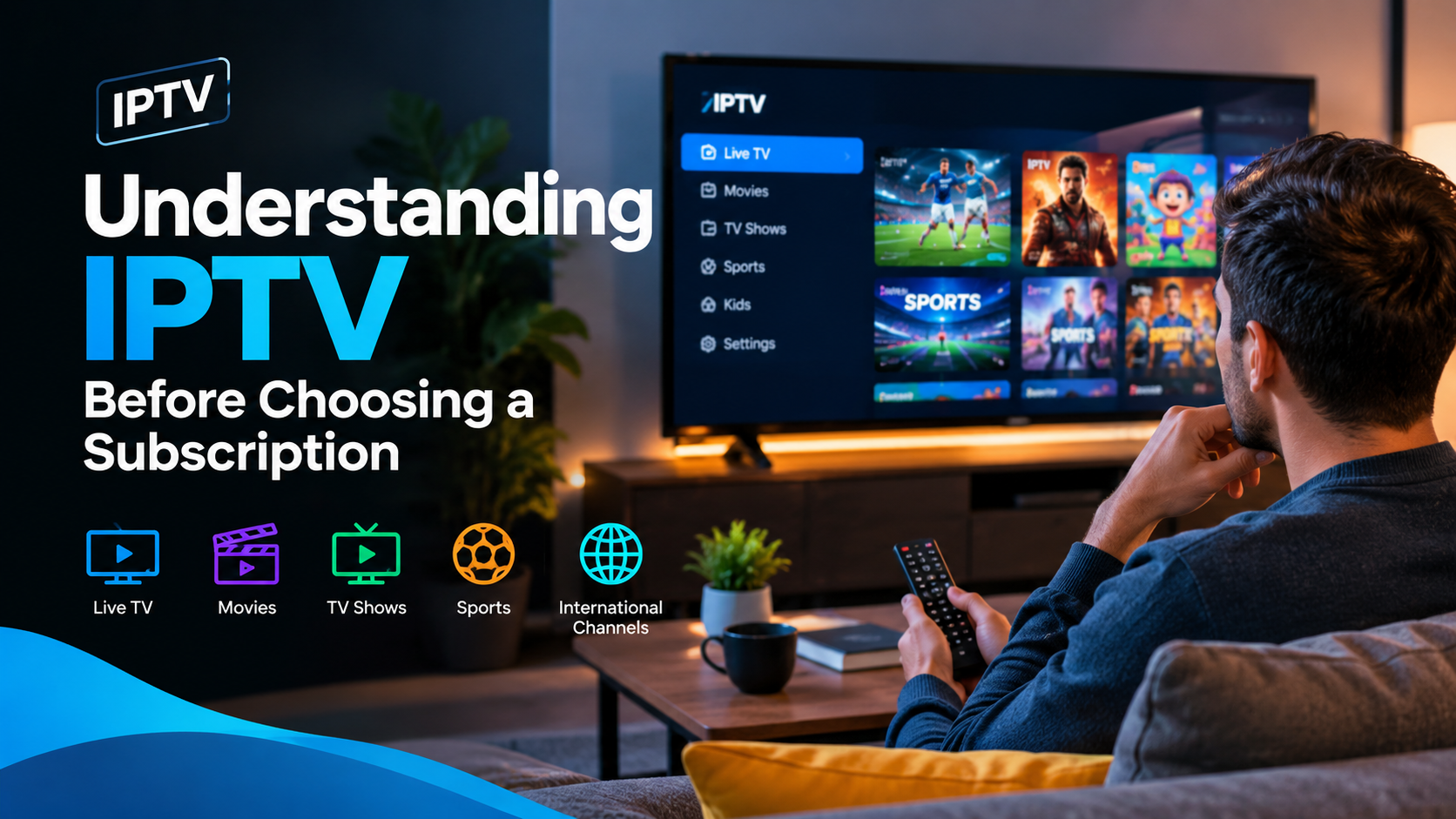
IPTV – Internet Protocol Television – is simply a method of delivering television content over an internet connection rather than through a traditional aerial, satellite dish, or cable. The technology itself is neutral. It is used by legitimate broadcasters including the BBC (iPlayer), ITV (ITVX), and Sky (Sky Go), as well as by third-party subscription services that vary enormously in what they offer and how they operate.
The distinction that matters most for consumers is whether the service holds the rights to broadcast the content it is delivering. A legitimate IPTV provider has licensing agreements with the content owners – broadcasters, studios, sports rights holders – that permit them to distribute that content to subscribers. An unauthorised service does not. The content may look identical on screen, but the legal and practical implications for the subscriber are quite different.
Unauthorised IPTV services are not simply unreliable (though they often are). Using them to access content without the rights holder’s permission raises genuine legal questions under UK copyright law. The Intellectual Property Office and organisations like FACT (the Federation Against Copyright Theft) have been active in this area, and the regulatory environment has tightened considerably over the past few years.
If you are researching IPTV options, it is worth consulting sources that explain the technology and the landscape clearly before committing to a subscription. United Kingdom IPTV is a UK-focused resource that covers how IPTV works, what to look for in a service, and the questions worth asking before you hand over payment details – useful background reading for anyone new to the subject.
The practical advice is straightforward: if a service cannot tell you clearly what content rights it holds, treat that as a significant warning sign.
What to Check Before Paying for a Streaming Subscription
Whether you are considering an IPTV subscription or any other streaming service, the due diligence process is similar. A few specific things are worth verifying before you commit.
Device compatibility. Not every service works on every device. Check explicitly whether the service supports your hardware – Fire TV, Android TV, Apple TV, smart TV brand – before subscribing. Some services are app-based; others deliver content via M3U playlist or Xtream Codes API, which requires a compatible third-party player.
EPG and playlist format. If you are using an IPTV service with a third-party player like TiviMate, confirm that the service provides an EPG (electronic programme guide) and that it is compatible with your chosen player. An IPTV subscription without a working EPG is a significantly worse experience – you lose the programme guide, catch-up indicators, and scheduling information.
Billing and cancellation terms. Monthly rolling contracts are generally safer than annual upfront payments, particularly for services you have not used before. Understand what the refund policy is and whether cancellation is straightforward.
Customer support. Test it before you need it. Send a pre-sales question and see how quickly and helpfully it is answered. A service with no accessible support is a service you cannot rely on when something goes wrong.
Content rights. Ask directly what content the service is licensed to provide. Legitimate providers will be able to answer this. Vague responses, deflection, or implausibly comprehensive channel lists at very low prices are all reasons for caution.
Suspiciously cheap offers. A subscription offering hundreds of live channels, every major sports right, and a full VOD library for a few pounds a month is almost certainly not operating with the necessary licences. The economics do not work. Rights to broadcast Premier League football alone cost broadcasters hundreds of millions of pounds annually – a service offering it for £5 a month has not paid for it legitimately.
For a more detailed breakdown of what to look for when evaluating IPTV subscriptions in the UK, https://united-kingdomiptv.com/iptv-subscription-uk/ covers the key considerations in a practical format.
Wi-Fi, Ethernet and 4K: The Basics People Often Overlook
Streaming quality is ultimately constrained by your network connection, and this is the area where people most consistently underinvest relative to the hardware they buy. A 4K HDR stream from Netflix requires a sustained connection of around 25 Mbps. Disney+ recommends similar. Live IPTV streams – particularly HD and 4K channels – are sensitive to both bandwidth and latency.
Wi-Fi is convenient and adequate for most standard HD streaming. It becomes less reliable for 4K content, particularly if the device is at some distance from the router, or if the signal passes through thick walls or floors. The 5GHz band offers faster speeds over shorter distances; the 2.4GHz band has better range but more interference from neighbouring networks and household devices.
Ethernet is the straightforward solution where it is practical. A wired connection eliminates most of the variability that causes buffering – the momentary pauses that interrupt live sport or a film at the worst possible moment. If running a cable is not feasible, a pair of powerline adapters (which carry network traffic through your home’s electrical wiring) is a reasonable middle option, typically delivering more consistent speeds than Wi-Fi at distance.
4K content also requires HDMI 2.0 or later between your streaming device and your television, and HDR support on both ends if you want the full picture quality benefit. Most devices sold in the last four or five years meet these requirements, but it is worth confirming – particularly with older televisions or HDMI switches in the signal path.
Broadband speed is less often the limiting factor than people assume. A 50 Mbps connection is more than sufficient for 4K streaming on a single device. Where higher speeds genuinely help is in households with multiple simultaneous streams – several people watching different things on different screens at the same time.
A Better Setup Does Not Have to Cost More
The most common upgrade path for a home streaming setup does not involve buying anything new. It involves using what you have more effectively.
If your Smart TV’s built-in software is slow or limited, a streaming stick plugged into its HDMI port costs less than most people spend on a streaming subscription in a single month. If your Wi-Fi connection is unreliable, repositioning the router or adding a mesh node costs less than a new television. If your IPTV player is clunky, switching to TiviMate or IPTV Smarters Pro costs a few pounds or nothing at all.
The upgrades that genuinely justify their cost are the ones that remove a specific, identifiable frustration. A faster streaming device is worth buying if your current one is genuinely slow – not because a newer model exists. A better router is worth buying if your current connection is consistently unreliable – not because your broadband package is old. Spending without a specific problem to solve rarely produces a noticeably better experience.
It is also worth periodically reviewing your subscriptions. The average UK household now pays for more streaming services than it actively uses. Cancelling one service and redirecting that money toward a better-quality subscription in a category you actually watch is a more effective use of the same budget than adding another platform to the pile.
The fundamentals of a good home streaming setup are not complicated: a capable device running current software, a stable network connection, and subscriptions to services that hold the rights to the content they are providing. Most of the rest is refinement. Start with what you have, identify what is actually causing friction, and spend only where it will make a genuine difference. That approach consistently produces better results than buying new hardware and hoping the experience improves on its own.
Streaming technology continues to develop quickly – device performance improves, app ecosystems mature, and the content rights landscape shifts. Staying informed about what is available and what the rules of the road actually are is more valuable than any single hardware purchase. The best streaming setup is one you understand well enough to maintain and improve over time.